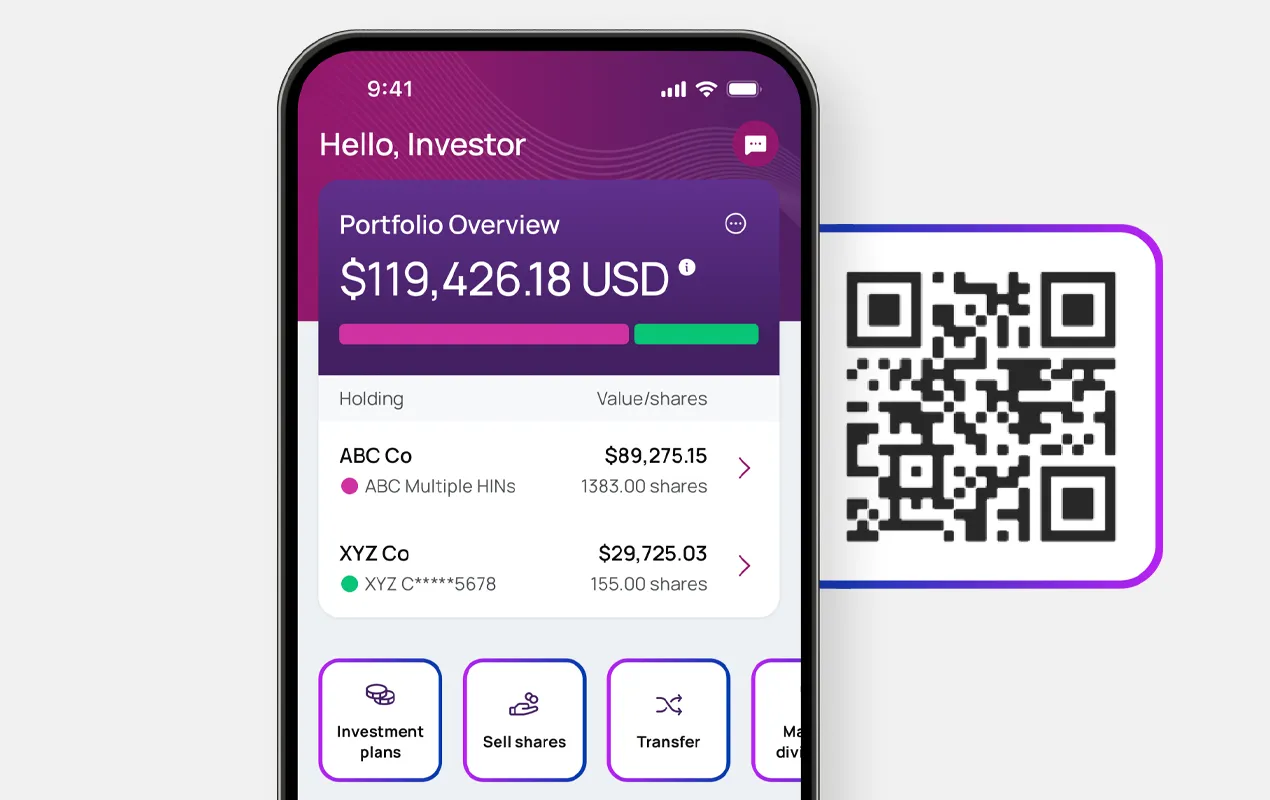
Already registered with Investor Center?
Log in to Investor Center
Go to ‘Banking & Payments’
Edit or add your bank account info
Confirm and save changes
|
Banking updates are now available exclusively via Investor Center and our mobile app To ensure the security of your information, banking updates are now provided only through Investor Center and our mobile app. Please use these platforms – available on the Apple App Store and Google Play – to manage your account safely and efficiently. |
Log in to Investor Center
Go to ‘Banking & Payments’
Edit or add your bank account info
Confirm and save changes
Have your Holder Account Number ready
Go to: computershare.com/Investor
Follow the on-screen instruction
Set up your login credentials

By providing your bank details, you enable quick and accurate payments of dividends and other proceeds.

Direct bank transfers are also a more secure method of payment, as they reduce the risk of fraud and identity theft.

Additionally, electronic payments are typically processed faster, ensuring you receive your funds promptly and reliably.
Registration steps are provided on the page above.
You’ll need your Holder Account Number and can register at: https://www.computershare.com/investor
Tip: You can also download the Computershare mobile app from the Apple App Store or Google Play for easy access.
Your Holder Account Number:
 Begins with “C” followed by 10 digits.Appears on your shareholder statement
Don’t have a statement available? Check tax records or other documents you have received from Computershare.
If you are still unable to locate it, you can Contact Us to request a new shareholder statement to be mailed to the address on record.
After logging in to Investor Center:
Go to Banking & PaymentsEdit or add your bank account detailsConfirm and save changesUpdating your banking details ensures:
Faster payments – Quick and accurate payment of dividends and other proceeds.More secure – Direct bank transfers reduce the risk of fraud and identity theft.More convenient – Electronic payments are processed faster, so you receive funds promptly and reliably.Visit our Contact Us page for more support options including:
Live chatCompany- specific phone numbersAdditional FAQs about Investor Center