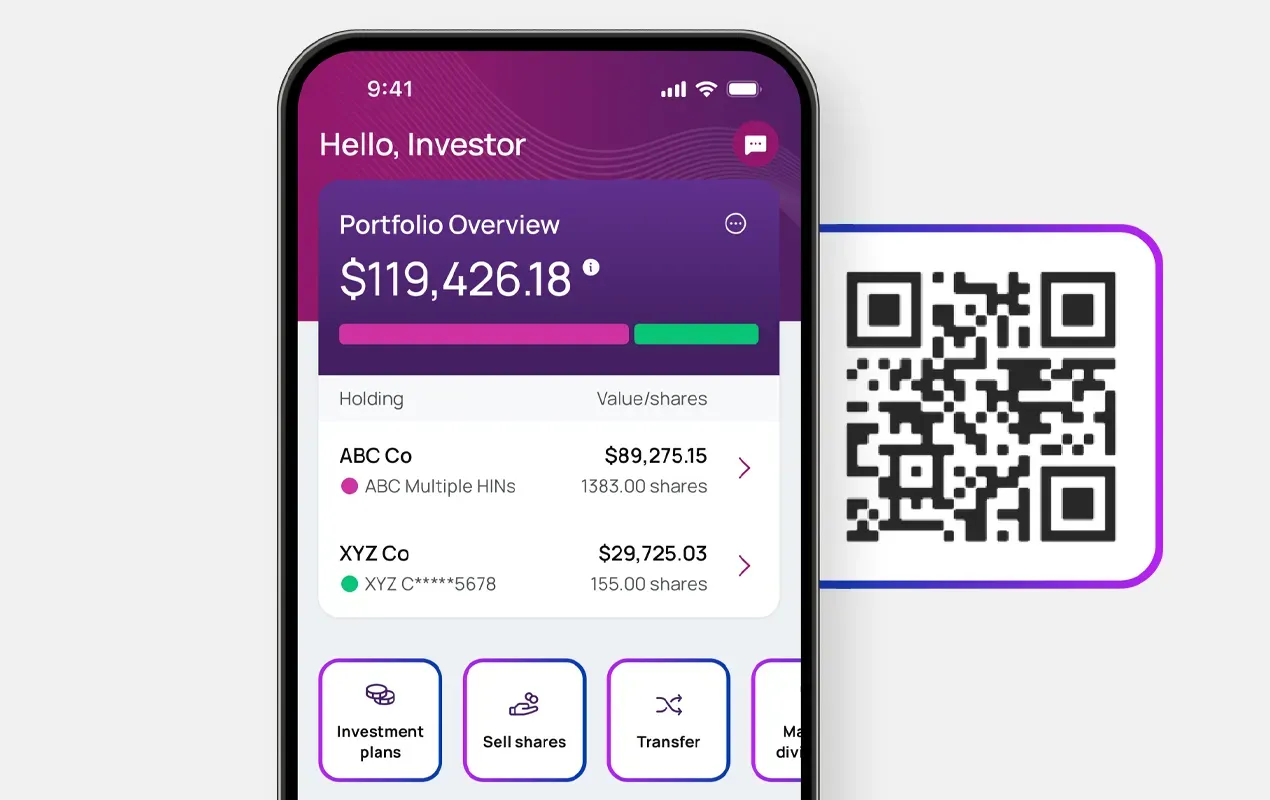
Already registered with Investor Center?
Log in to Investor Center
Go to Documents
Select/expand the Company
Click "View PDF"
|
Account statements and tax forms are now available exclusively via Investor Center and our mobile app To ensure the security of your information, account statements and tax forms are accessible through Investor Center and our mobile app. Please use these platforms – available on the Apple App Store and Google Play – to view and manage your statements safely and efficiently. |
Log in to Investor Center
Go to Documents
Select/expand the Company
Click "View PDF"
Have your Holder Account Number ready
Go to: computershare.com/Investor
Follow the on-screen instruction
Set up your login credentials

Receive important shareholder materials, like statements, faster and more reliably via email.

Reduce paper waste and contribute to a more sustainable future.

Digital communication ensures you stay informed without interruption.
Registration steps are provided on the page above.
You’ll need your Holder Account Number and can register at: https://www.computershare.com/investor
Tip: You can also download the Computershare mobile app from the Apple App Store or Google Play for easy access.
Your Holder Account Number:
 Begins with “C” followed by 10 digits.Appears on your shareholder statement
Don’t have a statement available? Check tax records or other documents you have received from Computershare.
If you are still unable to locate it, you can Contact Us to request a new shareholder statement to be mailed to the address on record.
After logging in to Investor Center:
If you have an Investor Center account:
You’ll see a confirmation message once your preferences are successfully updated.
If you do not have an Investor Center account:
Once enrolled, you’ll receive email notifications when new shareholder materials, such as statements, are available. Each email includes a secure link to Investor Center where you can view your documents.
Enrolling in digital communications offers several key benefits:
Speed & Reliability: Receive important shareholder materials, like statements, faster and more reliably via email.Environmental Impact: Reduce paper waste and contribute to a more sustainable future.Convenience: Access your documents anytime, anywhere through secure online links.Timeliness: Digital communication ensures you stay informed without interruption.Visit our Contact Us page for more support options including:
Live chatCompany- specific phone numbersAdditional FAQs about Investor Center