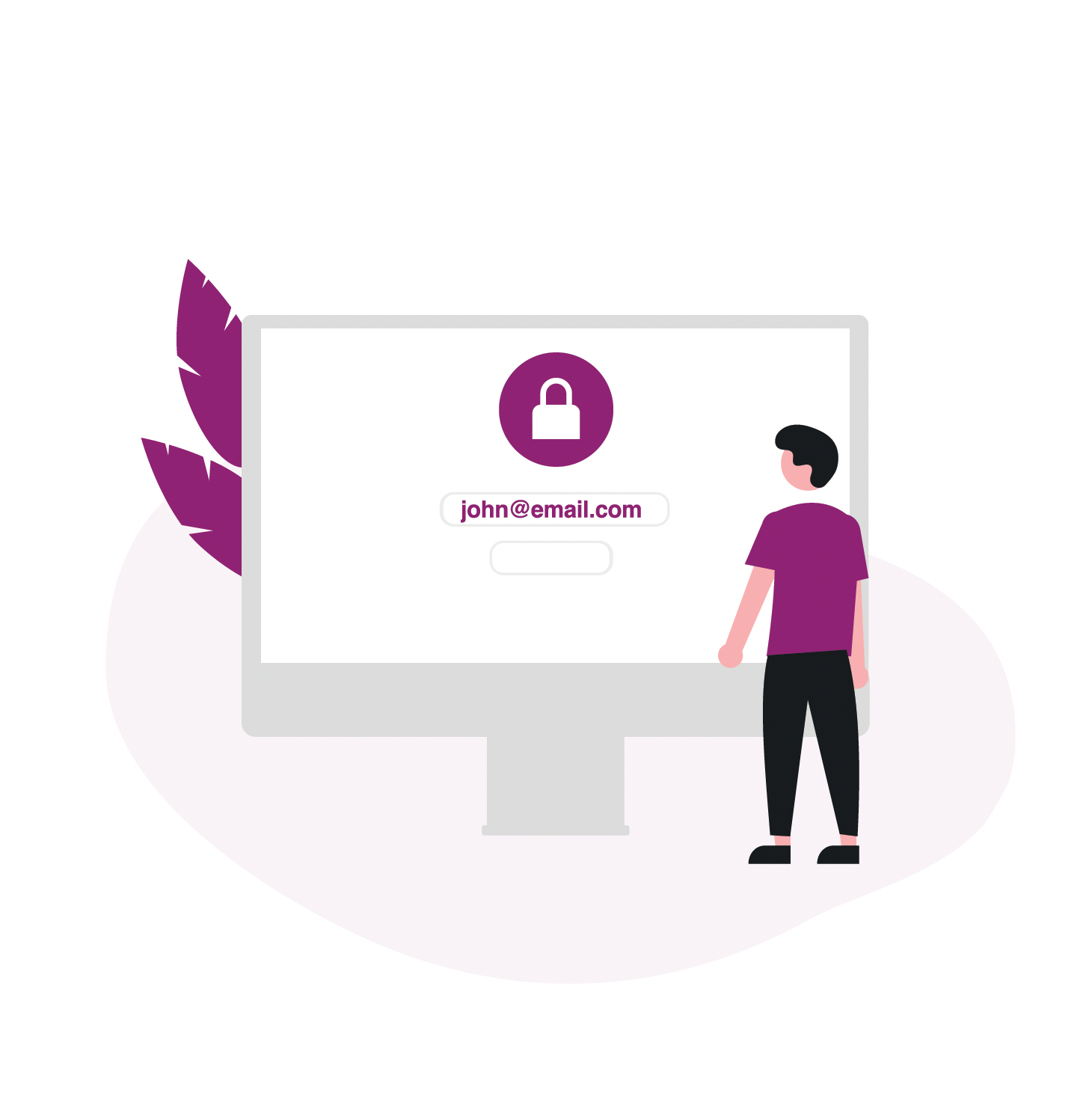
1) Login into EquatePlus
The user enters in their credentials
Ensuring your sign-in credentials are secure

EquateAccess provides multi-factor authentication (MFA) that simplifies your login and protects your EquatePlus account with an additional level of security.
As part of our security standards, we provide a simple user experience using a multi-factor (MFA) digital authentication app. EquateAccess will protect and verify your account credentials when signing in to the EquatePlus platform, this process will provide security and peace of mind.
Using the EquateAccess app is simple, just open the app and scan the QR code presented to you on EquatePlus. A second layer of security is provided by using your PIN or biometric.
The user enters in their credentials
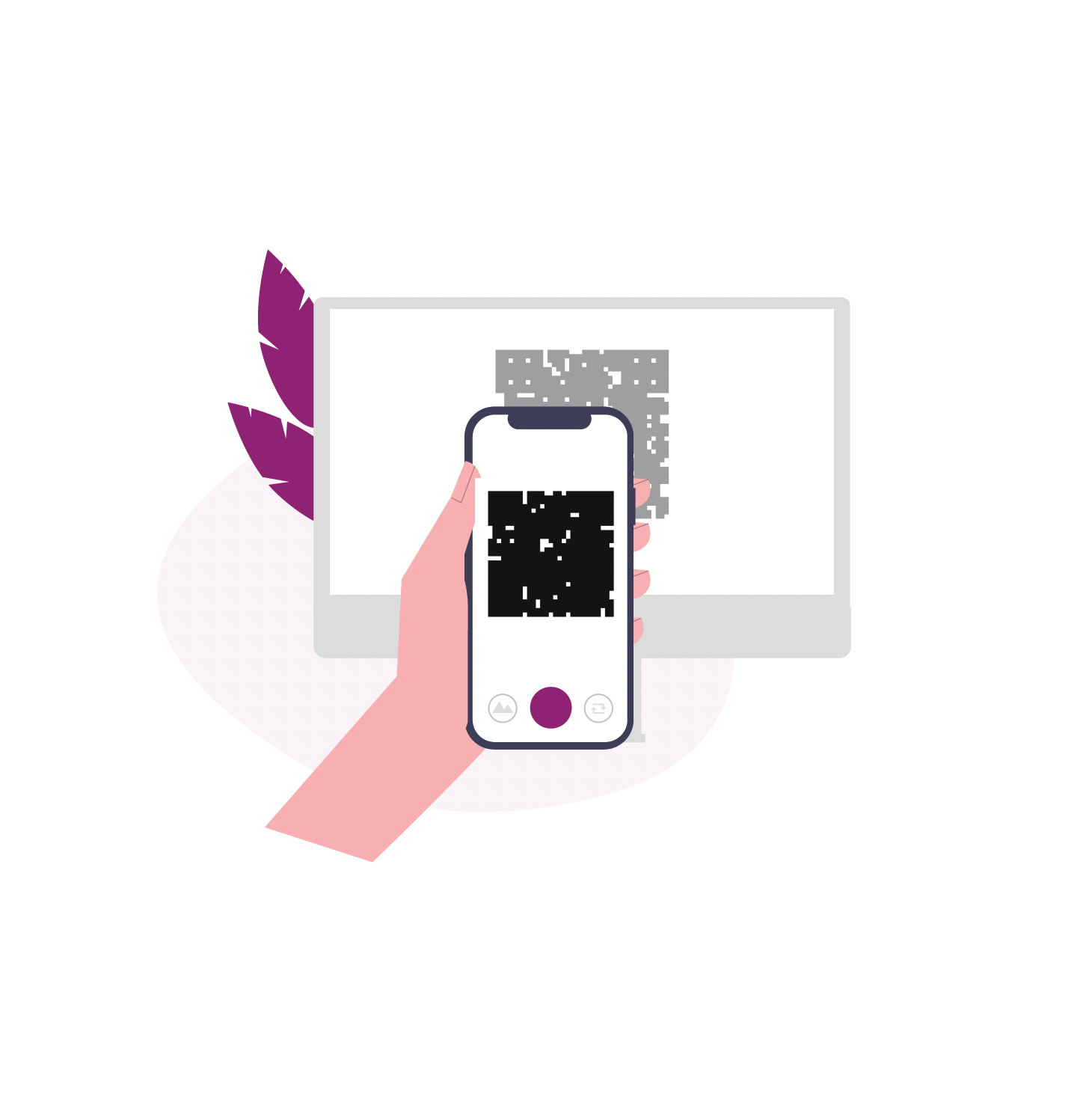
The user scans QR code with EquateAccess
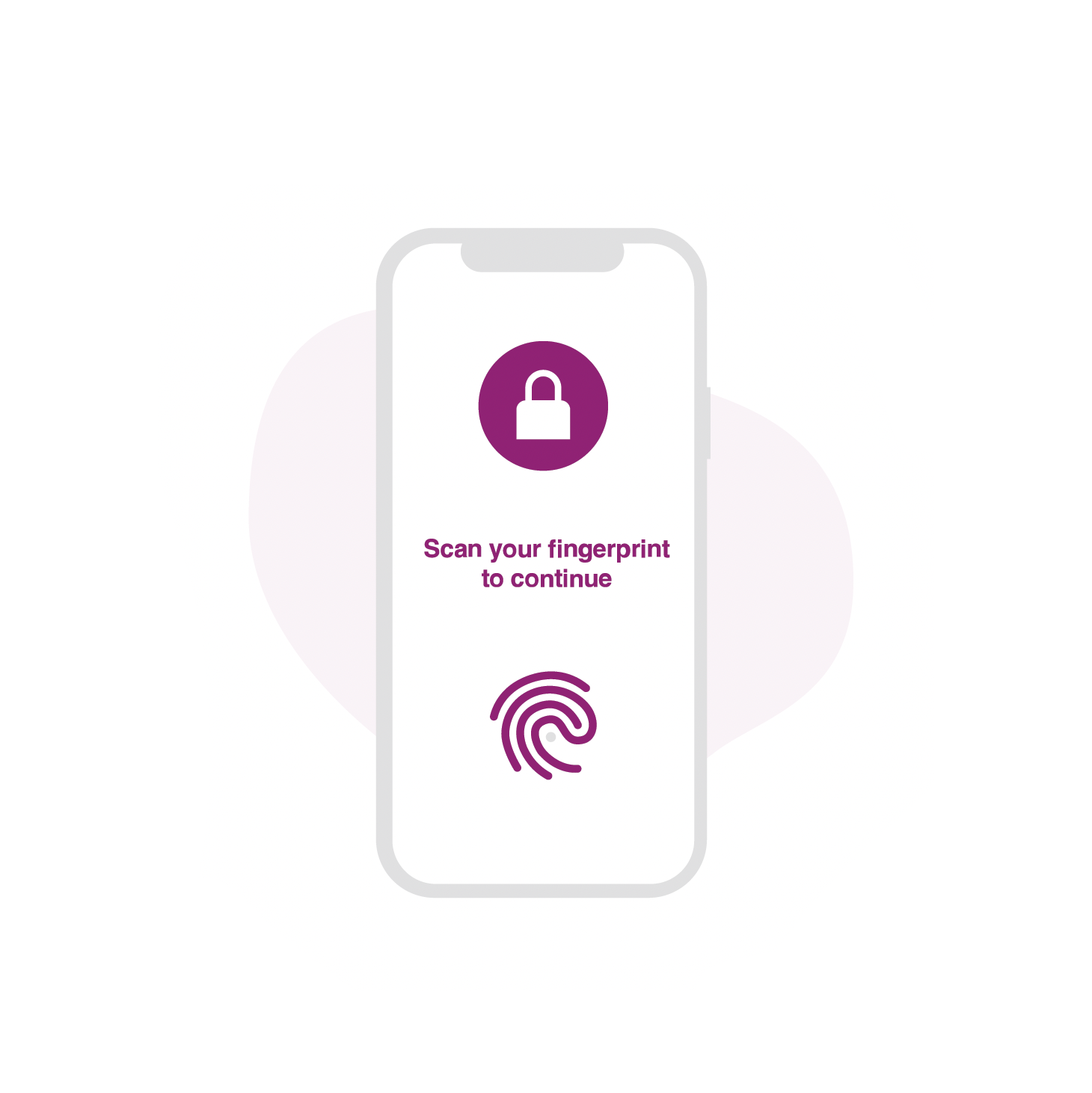
Users enter PIN code or biometric to authenticate themselves on the app
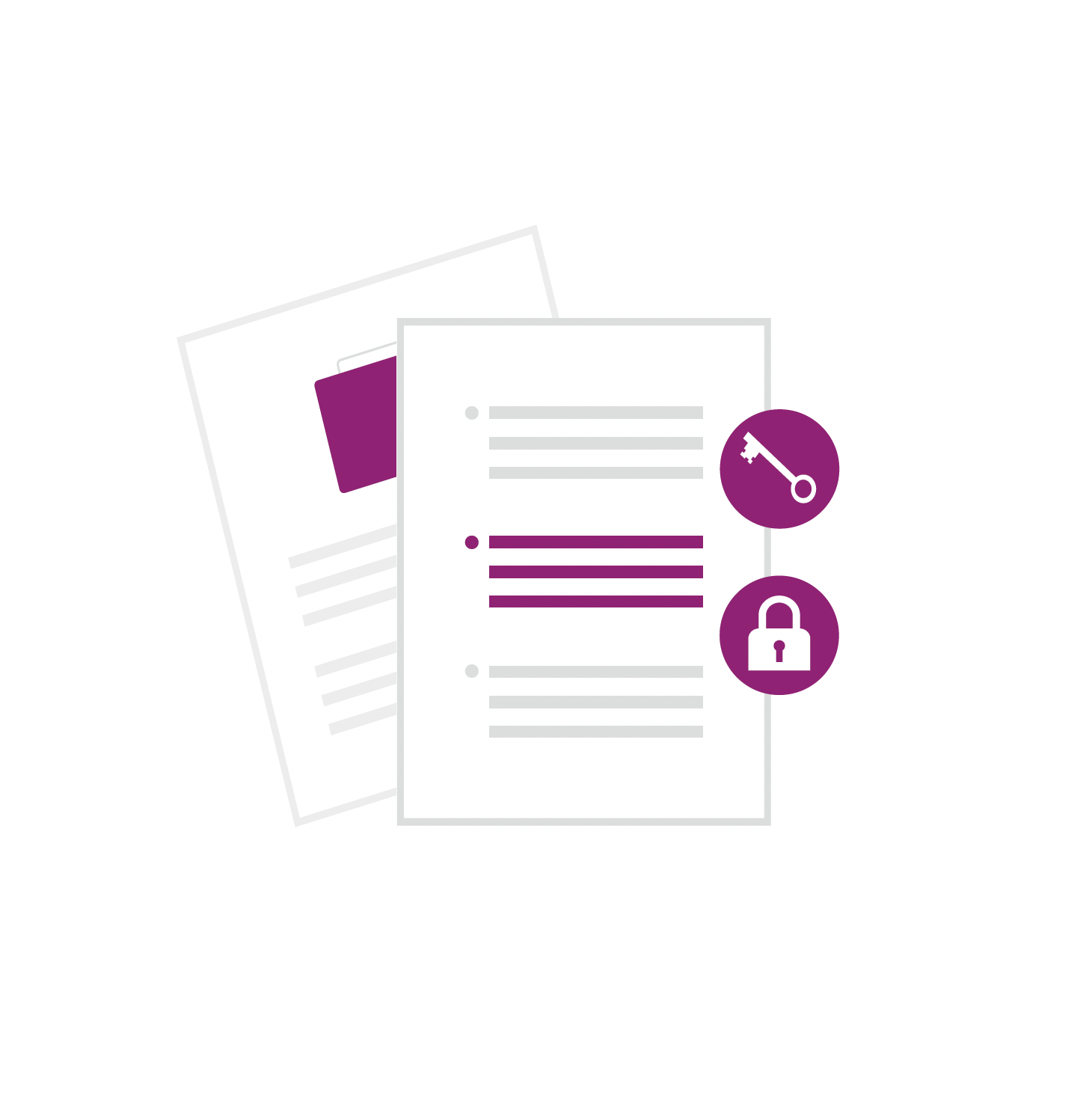
EquateAccess signs the cryptographic challenge and submits to EquatePlus
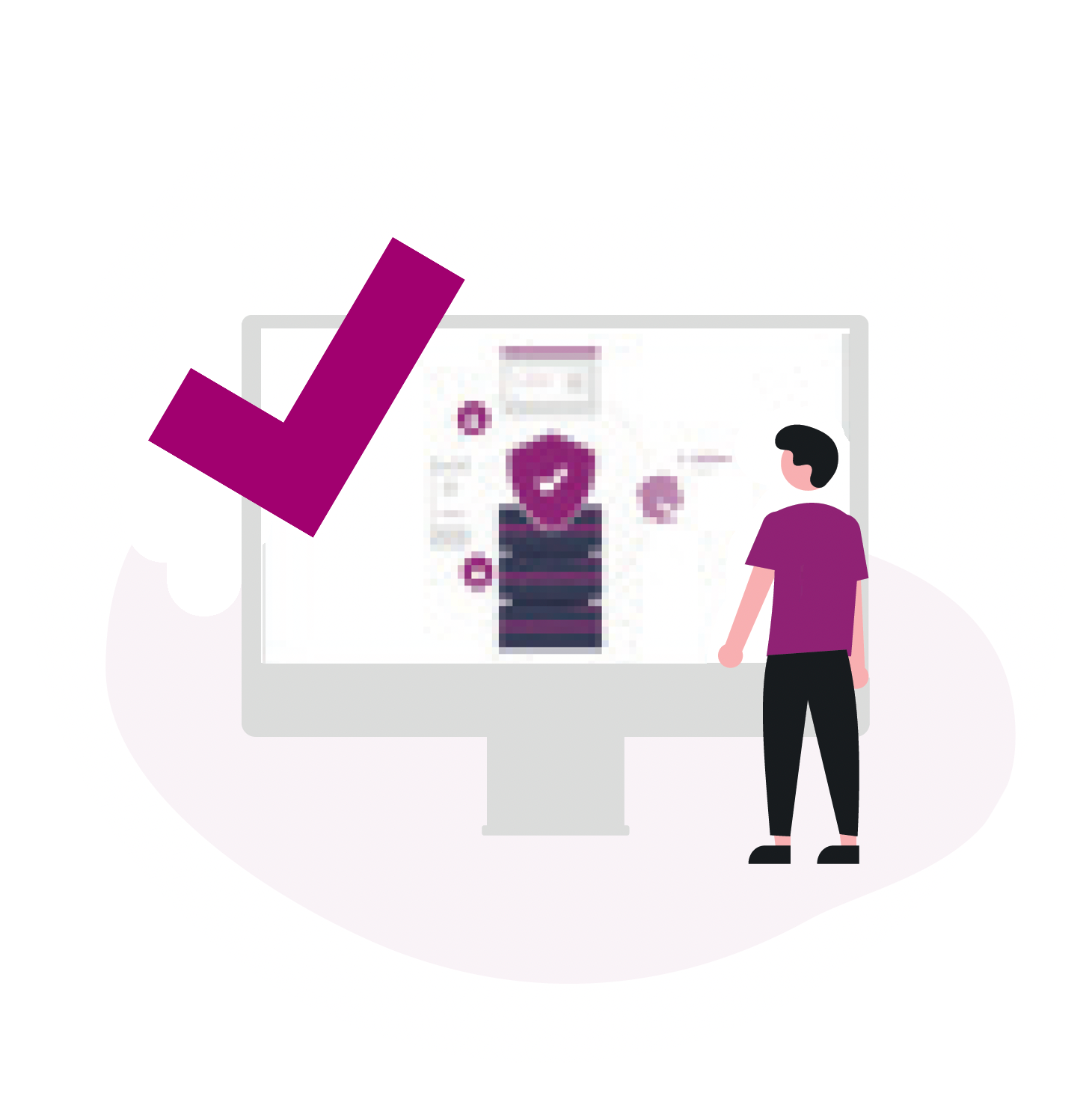
Checking the received message with the public key and granting access to the user account






Take your employee equity plans and participant experience to the next level with our wide range of innovative solutions.

Boost participation, interaction and enhance the employee share ownership experience.

Engaging and compliant employee share plans, managed through one global view.
We have over 1,000 equity experts across all major markets, ready to help you design and deliver the right employee equity solutions.
